
Informational Signs & Visitor Communication
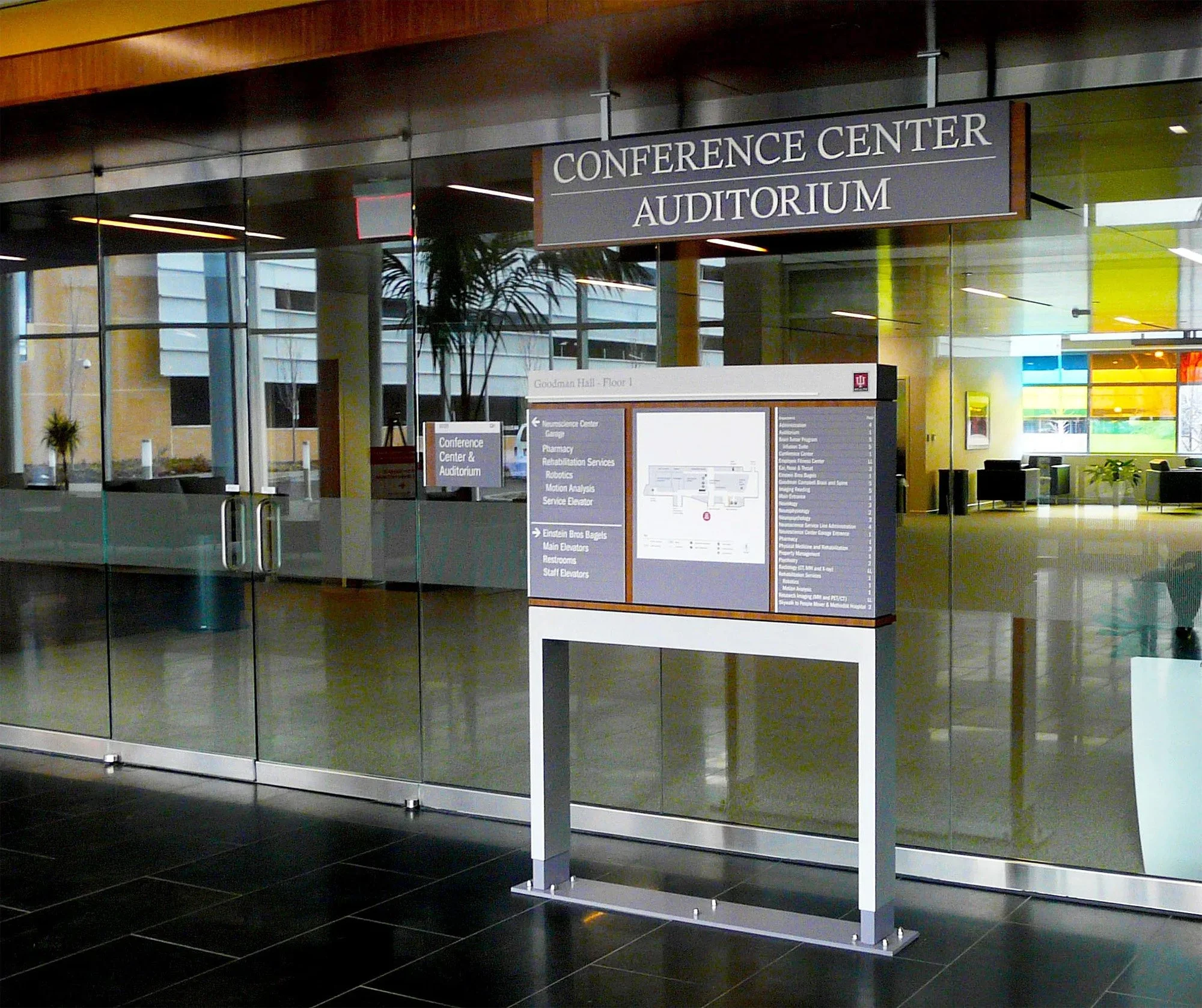
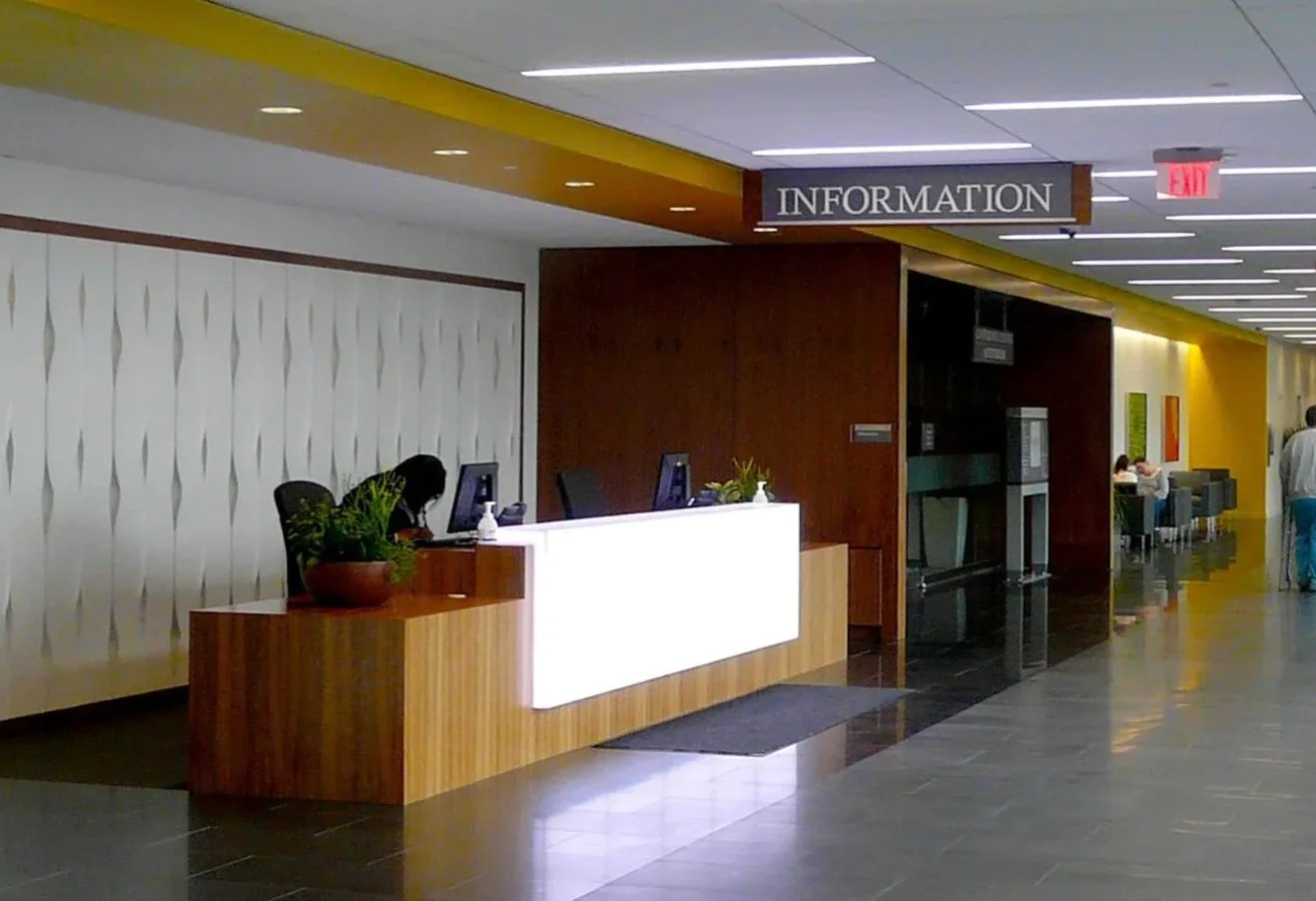
Informational signs tell us how to use the space. From "Hours of Operation" to complex "Code of Conduct" displays, informational signage dictates the rules of engagement for your facility. At Nicolson Associates, we design these systems to cut through the noise, delivering critical data clearly without cluttering the architectural environment.
Managing Information Overload
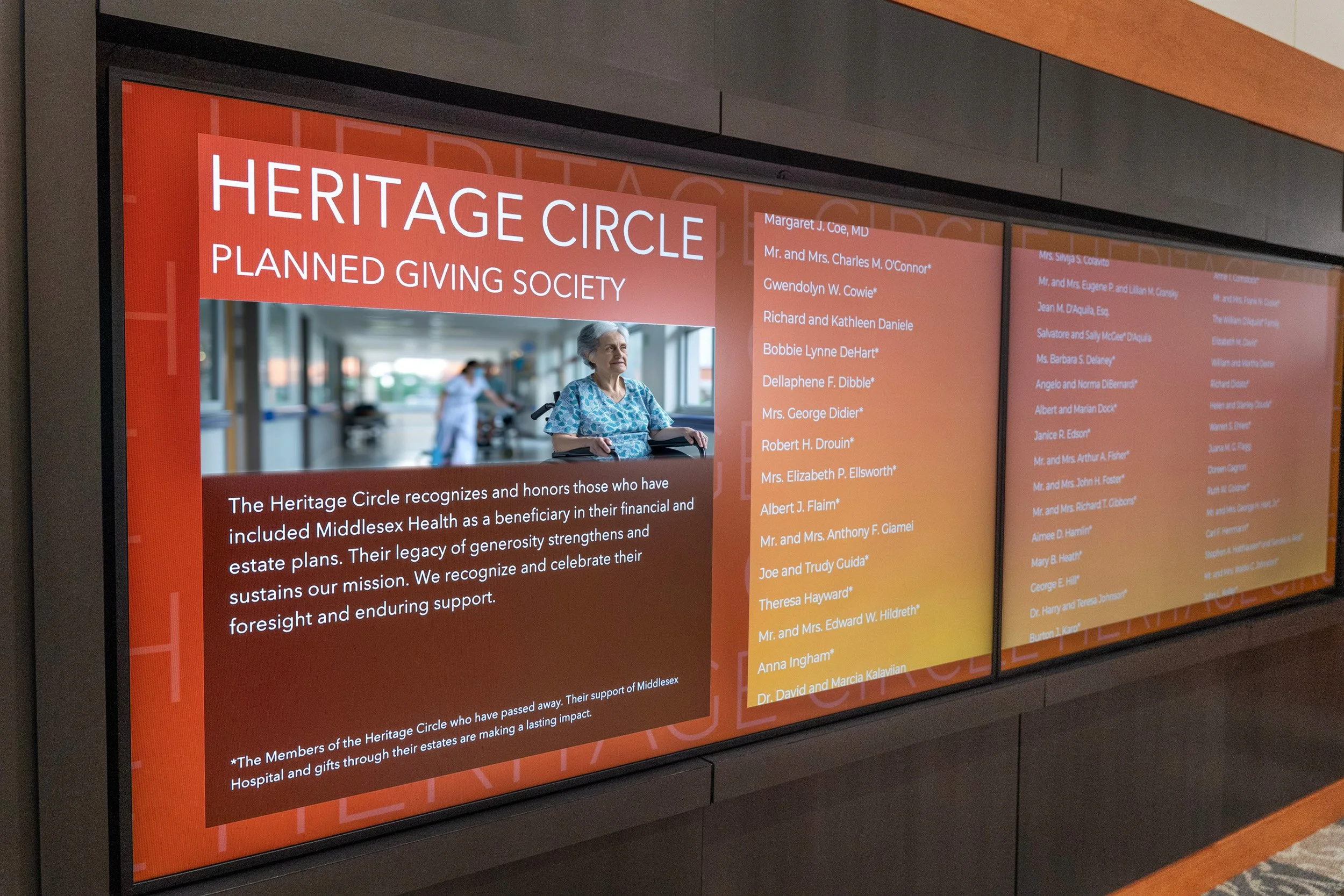
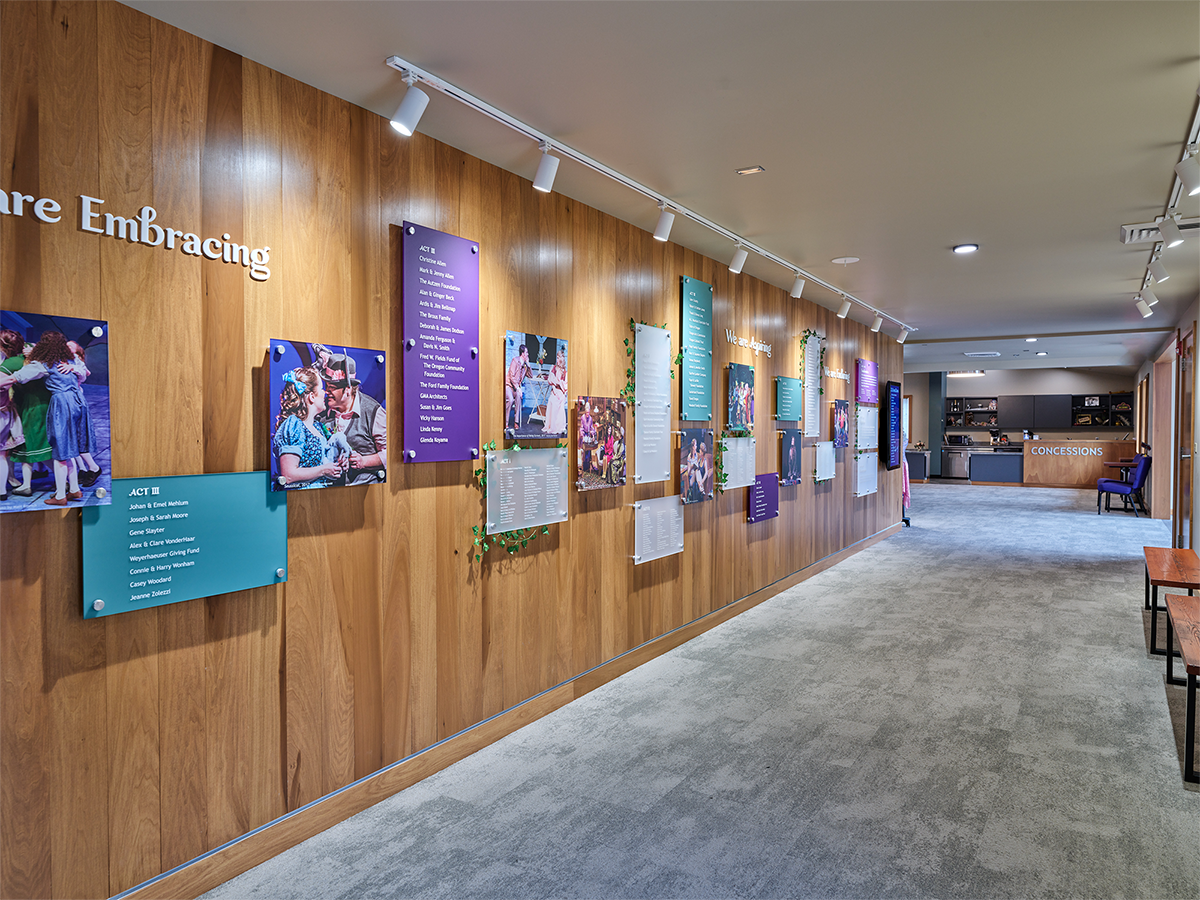
In high-traffic environments, "sign clutter" is a major failure point. Too many messages result in visitors reading nothing. Our approach focuses on Cognitive Load Management:
Prioritization: Distinguishing between "Need to Know" (Safety/Hours) and "Nice to Know" (History/Events).
Zoning: Placing information exactly where the decision is made—parking rules at the entry, directory maps at the lobby, and Wi-Fi codes in the lounge.
Legibility: ensuring font hierarchies allow users to scan headers while keeping detailed text readable for those who stop.
Types of Informational Systems
We categorize informational signage based on the "speed" of the interaction:
-
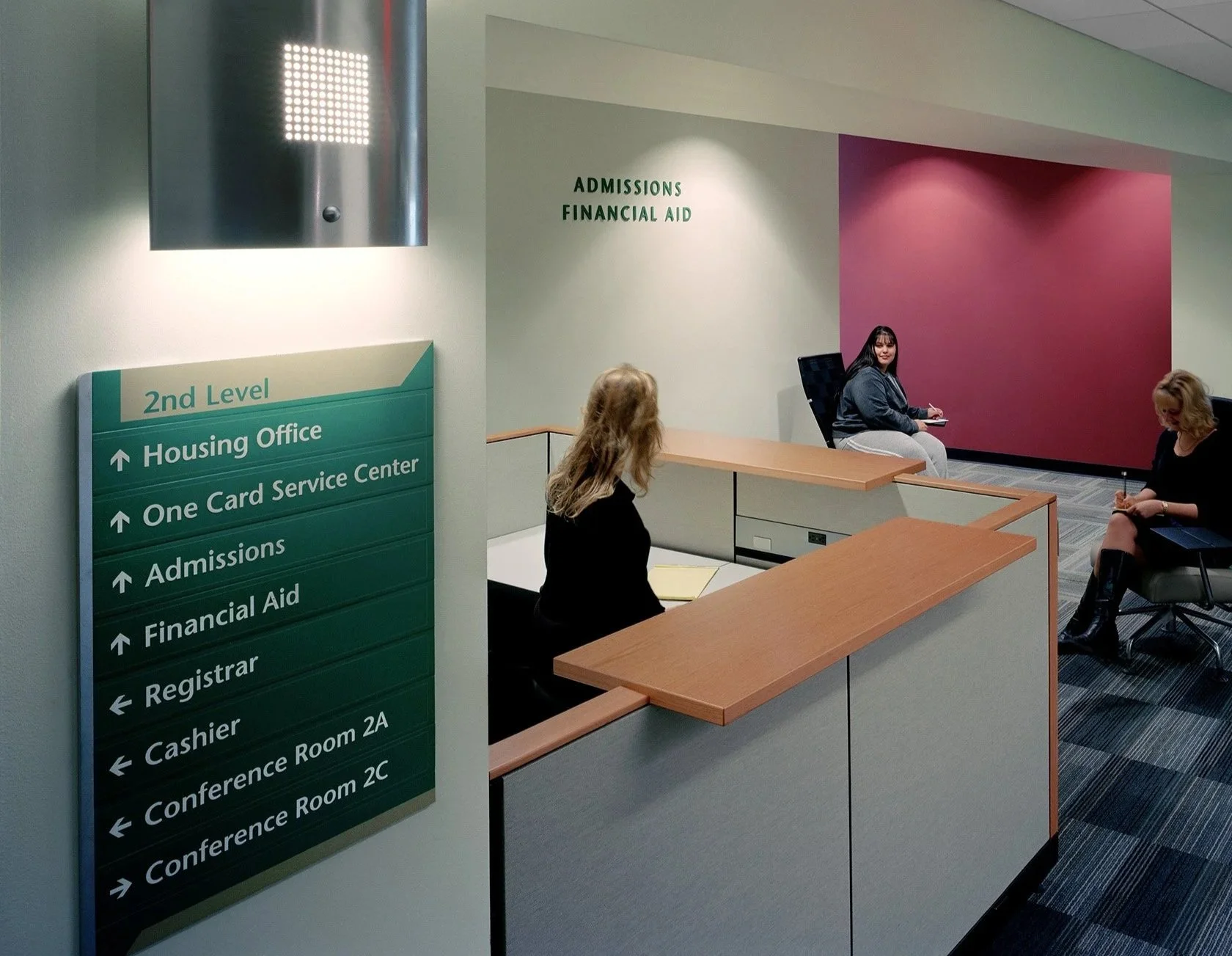
Directories & Orientation
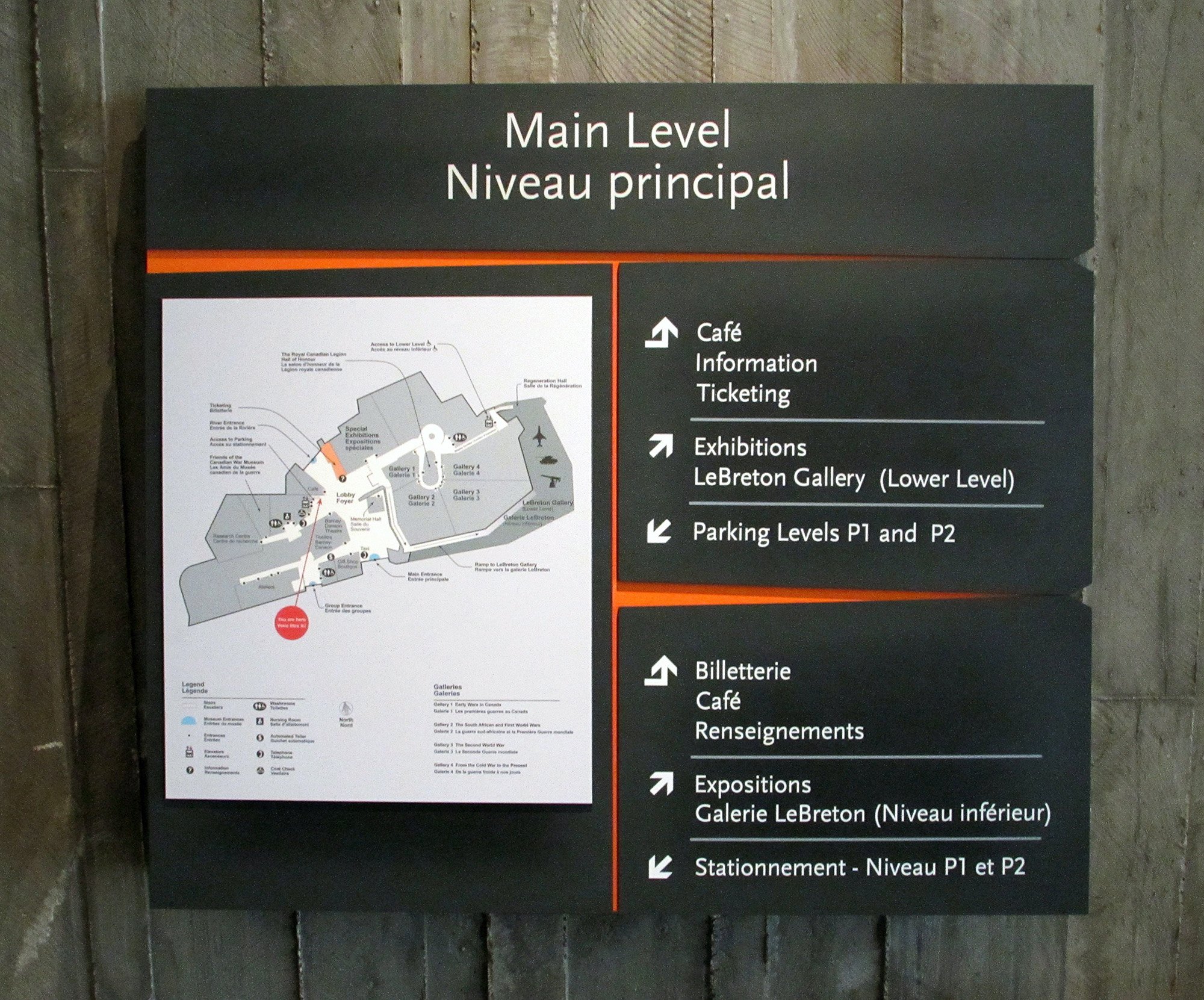
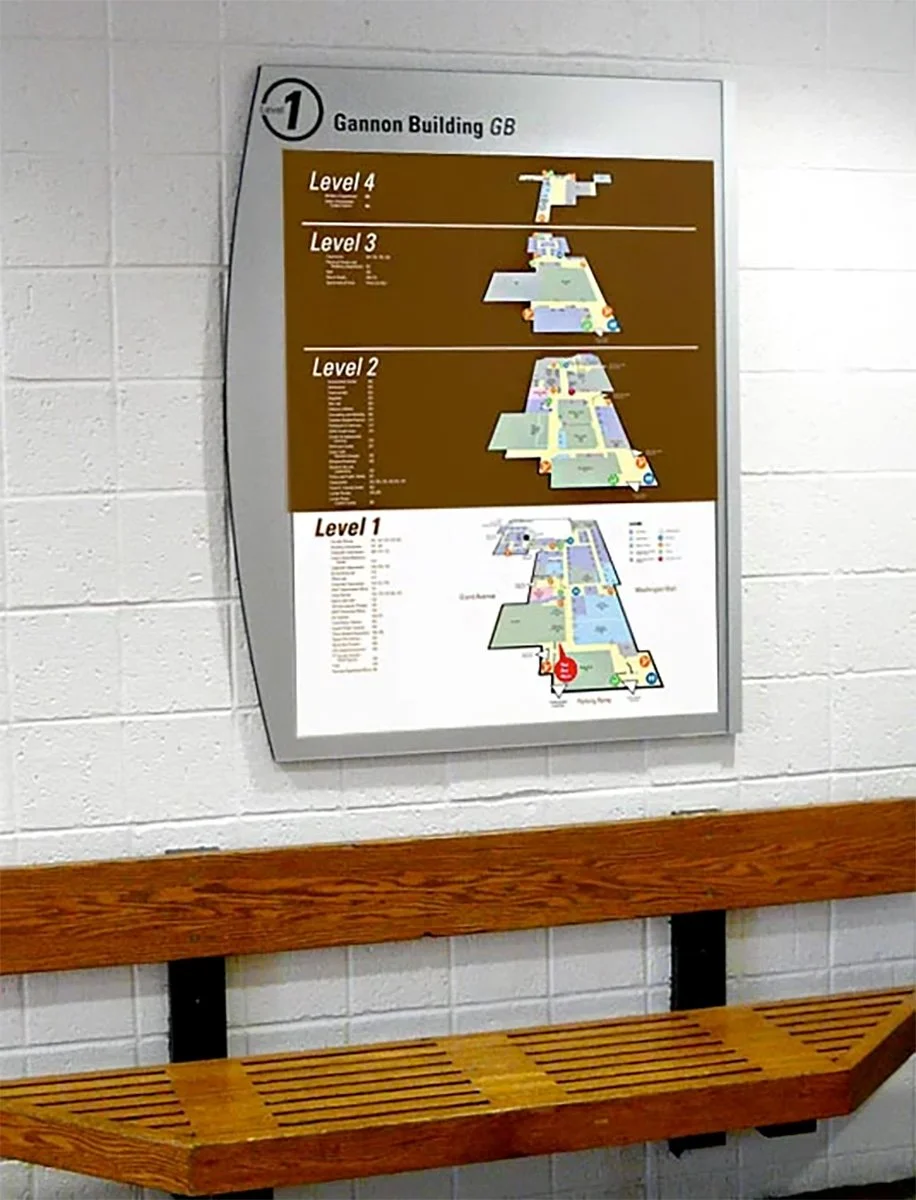
Static or digital maps that provide a "You Are Here" context. These are complex information hubs located in lobbies and elevator cores, allowing visitors to plan their entire journey before moving.
-
Amenity & Service Signage
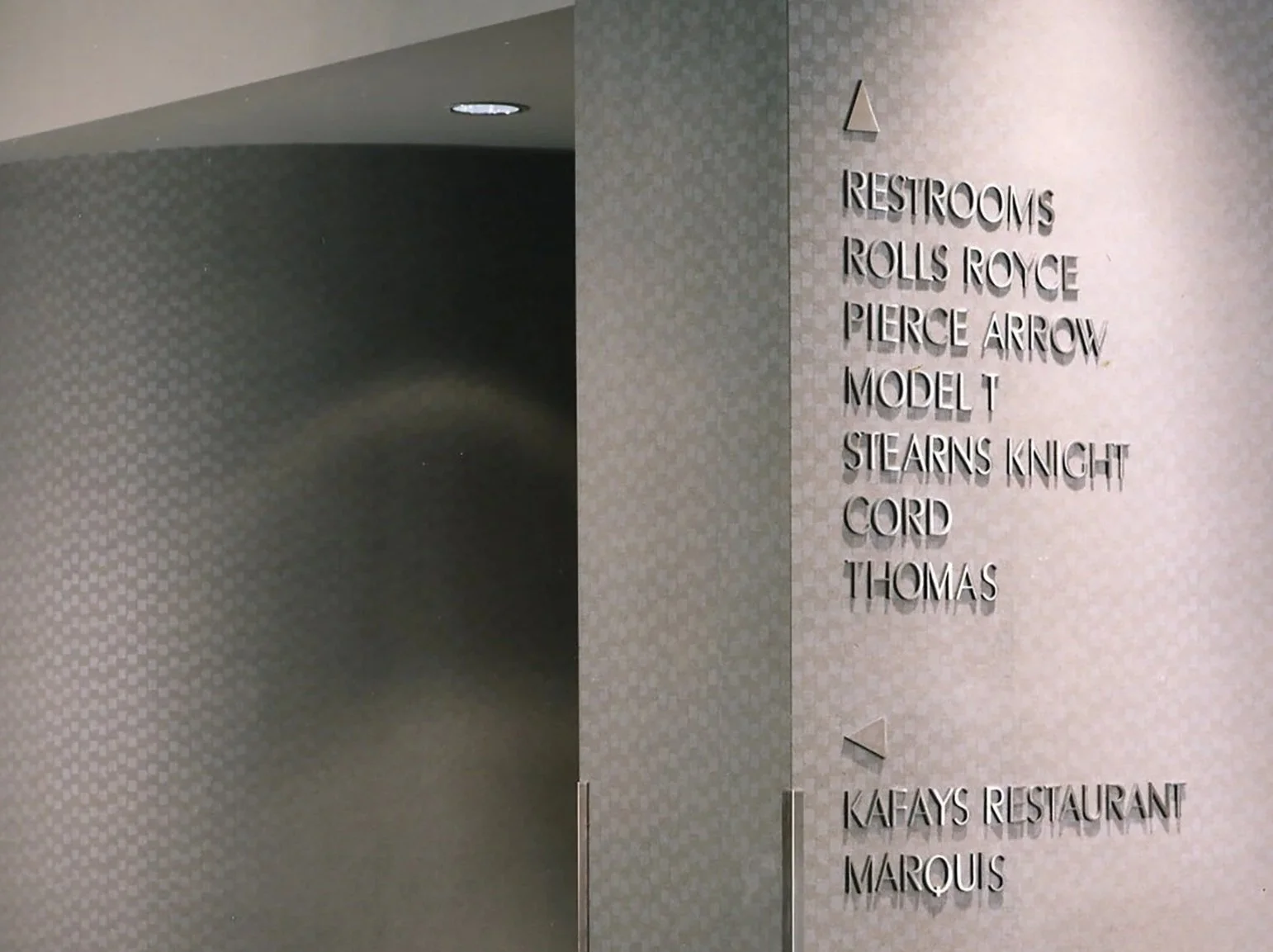
Identifying non-destination assets like Restrooms, Wi-Fi zones, Lactation Rooms, and Vending areas. These signs act as the "concierge" of the building, improving visitor comfort.
-
Regulatory & Code Compliance
Safety is non-negotiable. We design compliant systems for "No Entry," "Maximum Occupancy," and "Safety Protocols" that meet local fire and ADA codes without compromising the space's visual aesthetic.
-
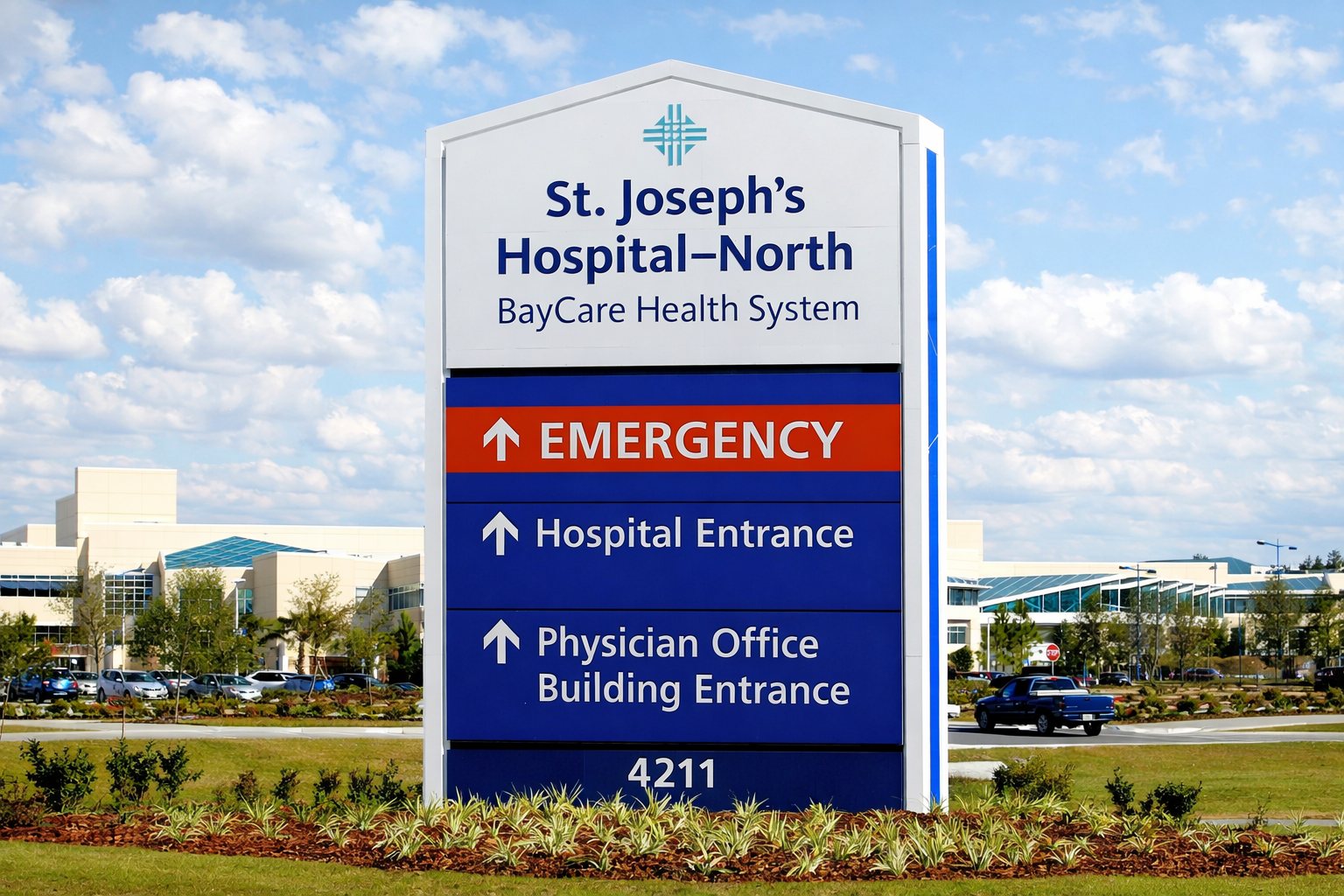
Vehicular & Parking Logic
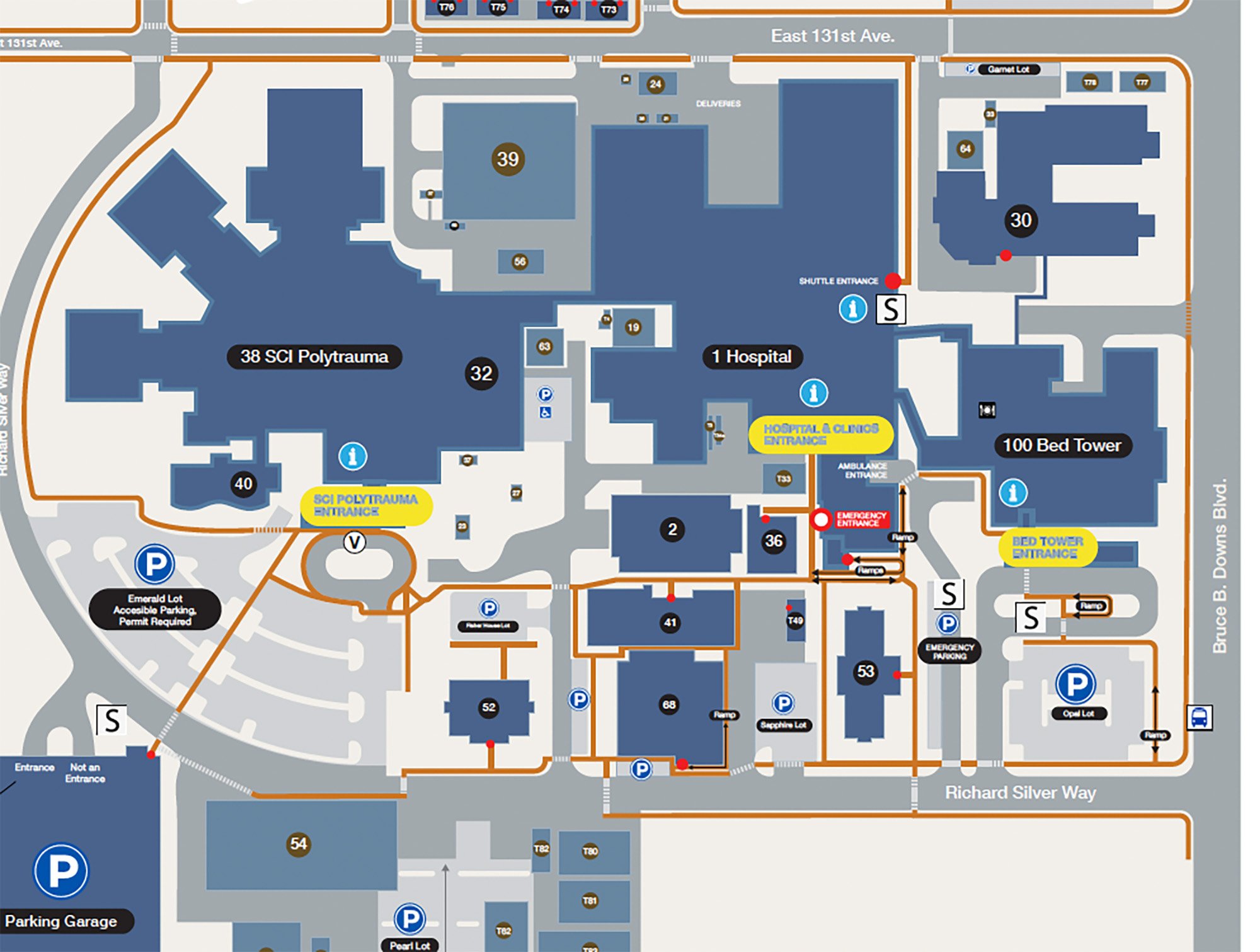
For exterior environments, informational signage controls the flow. This includes Height Clearance bars, Parking Rate displays, and Loading Zone restrictions. We ensure these are reflective, durable, and visible at vehicular speeds.

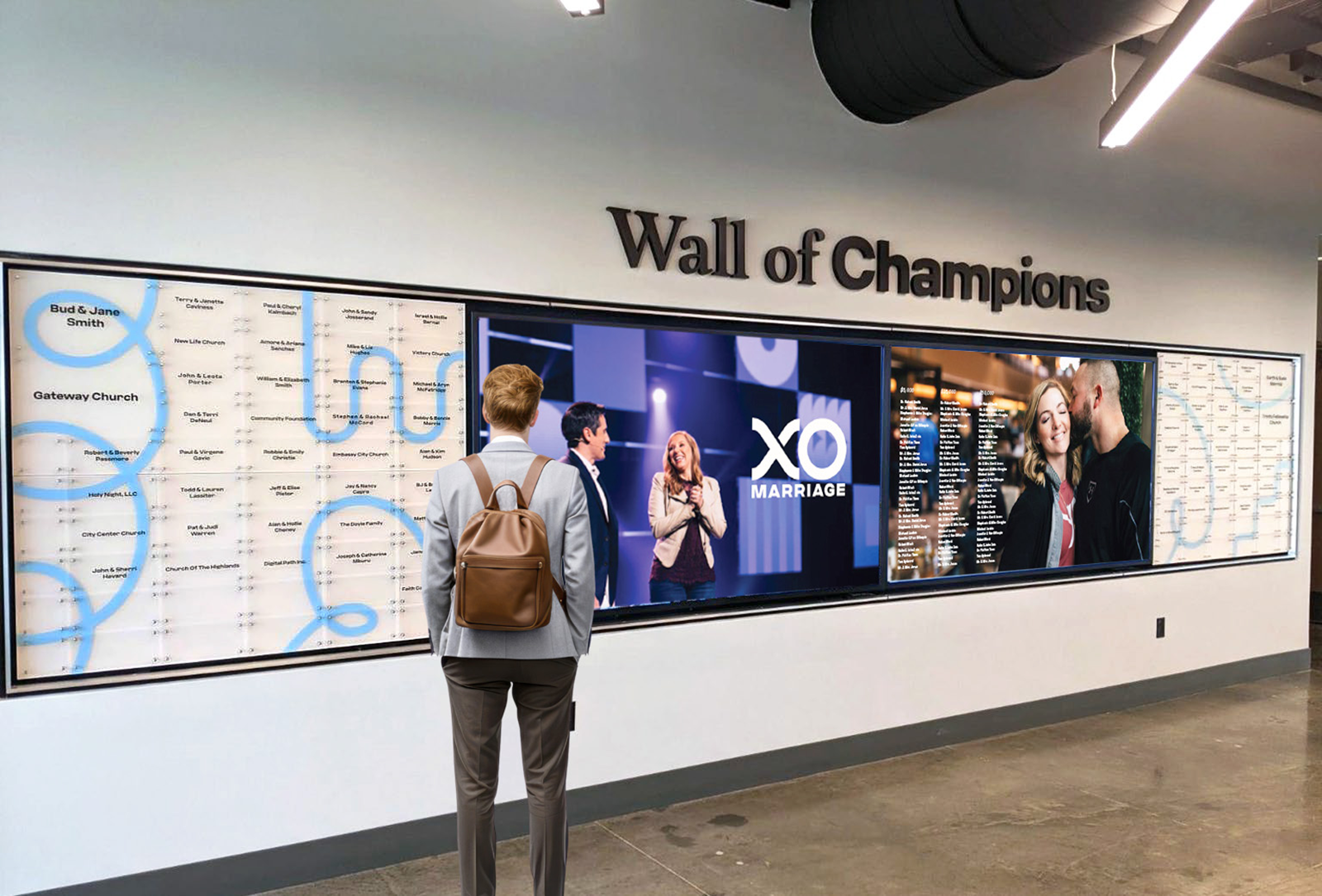
Static vs. Dynamic: Update Challenge
Informational content changes faster than the building does. We offer two distinct approaches to ensure your signage never becomes obsolete:
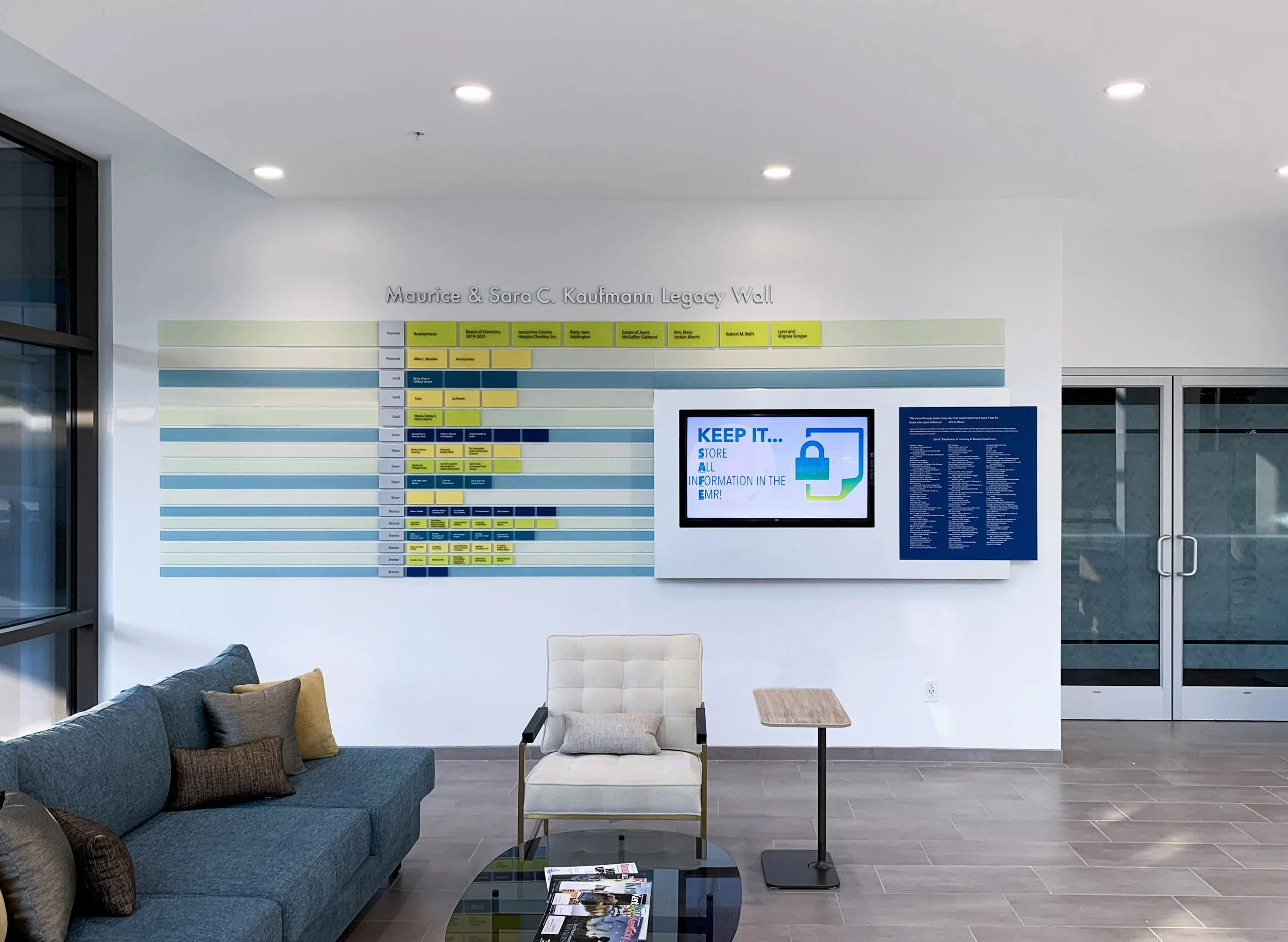
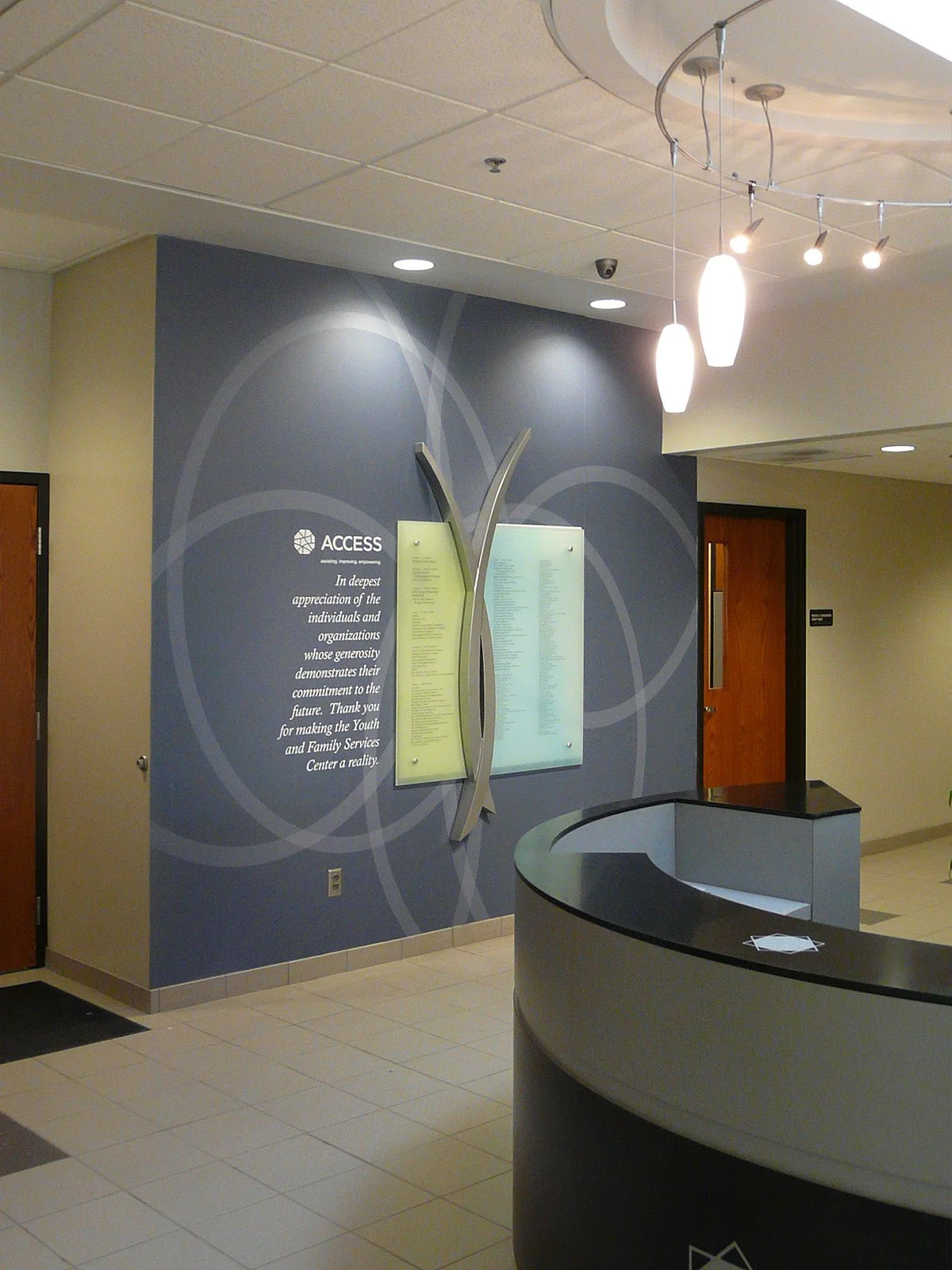
Modular Systems: We utilize "window" or "slat"- based designs that allow your facilities team to update printed inserts (e.g., changing clinic hours or tenant lists) in-house and cost-effectively.
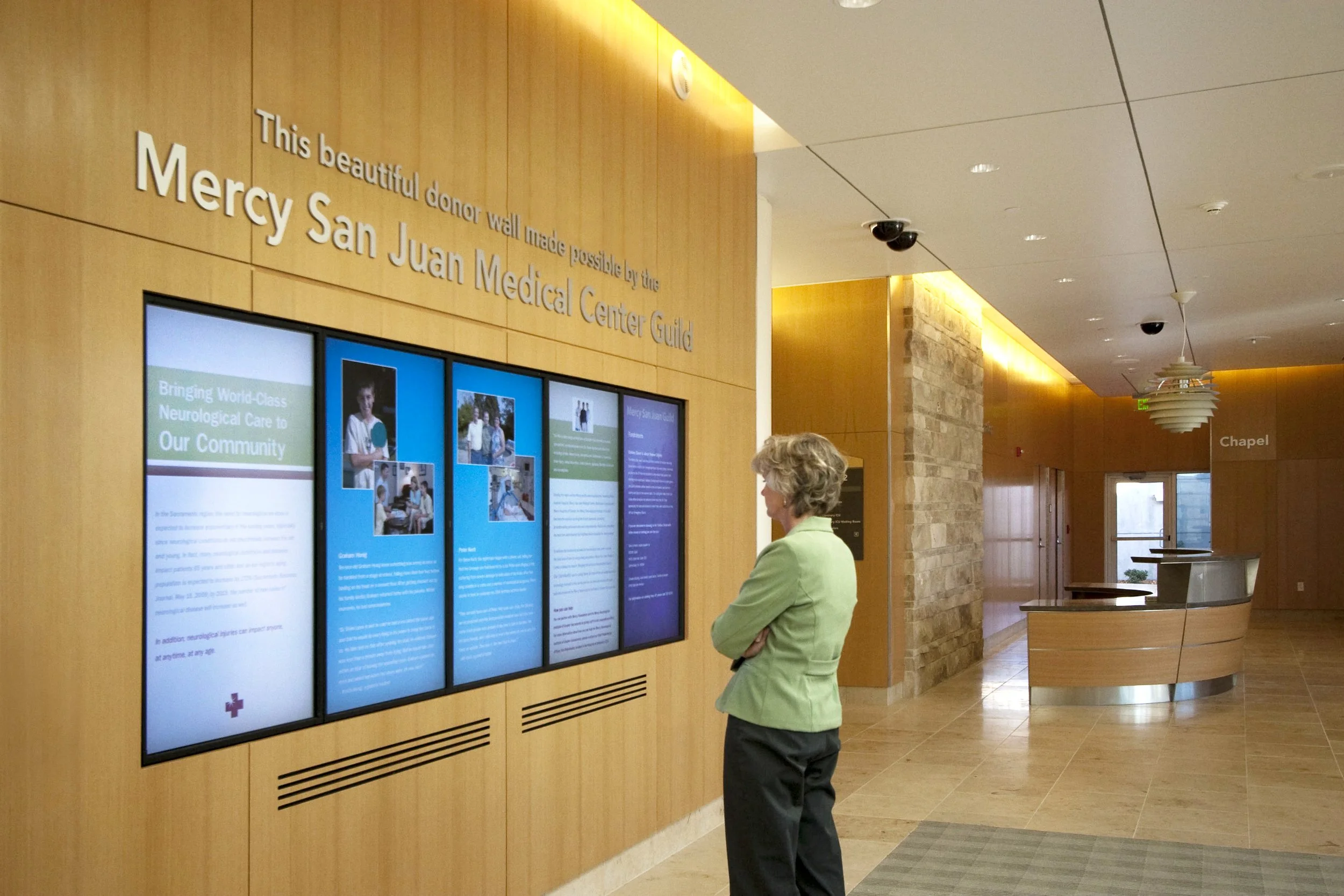
Digital Integration: For high-flux environments, we integrate digital kiosks and screens into our custom enclosures, enabling real-time updates to event schedules or emergency alerts.

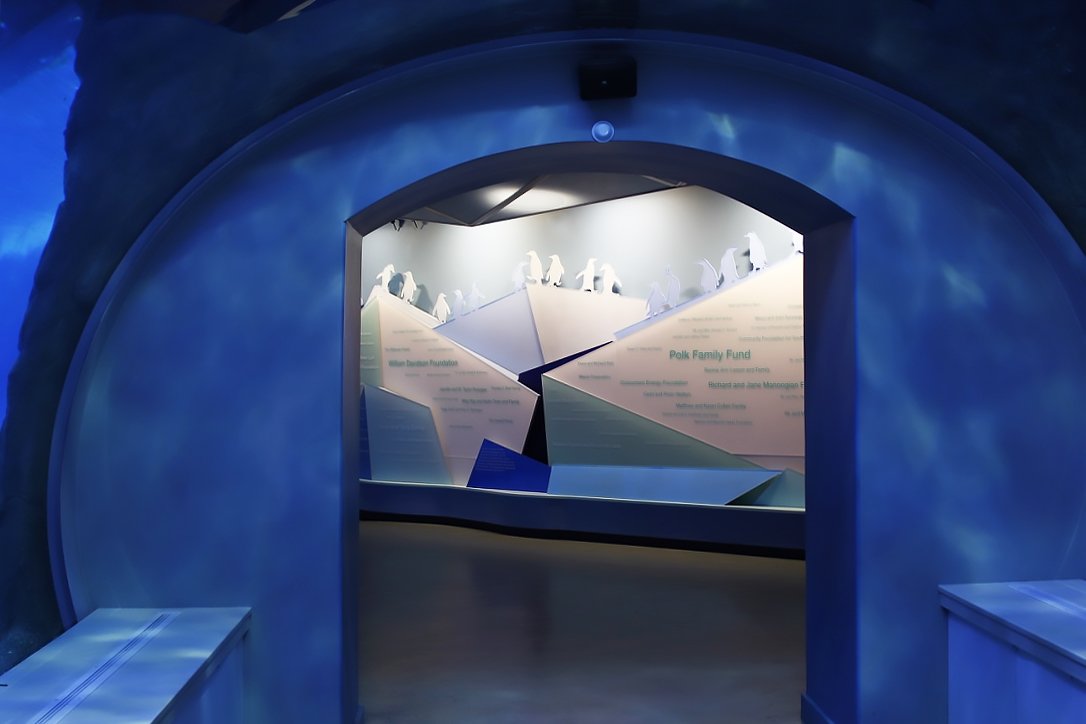
Informational Signage in Practice
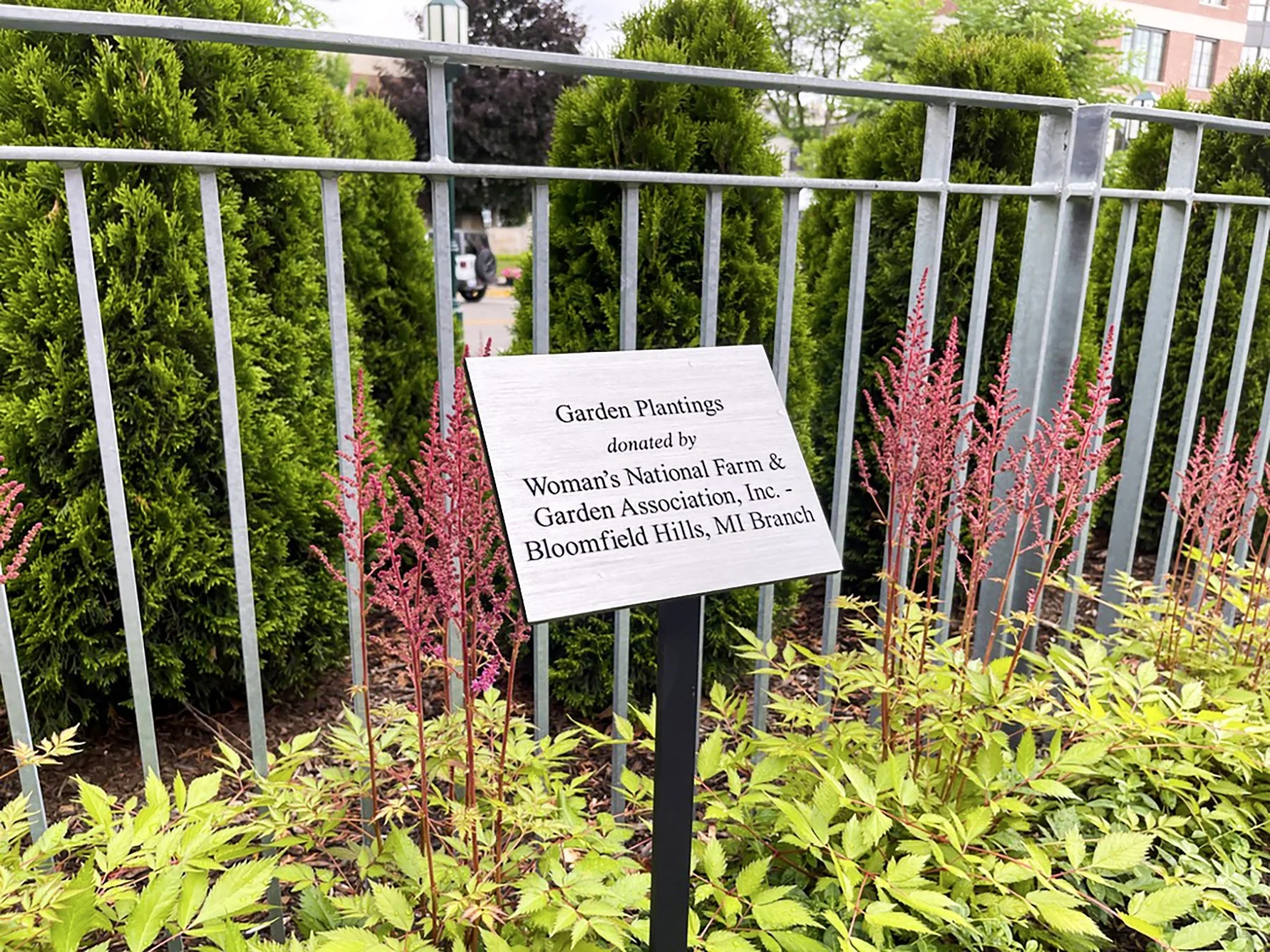
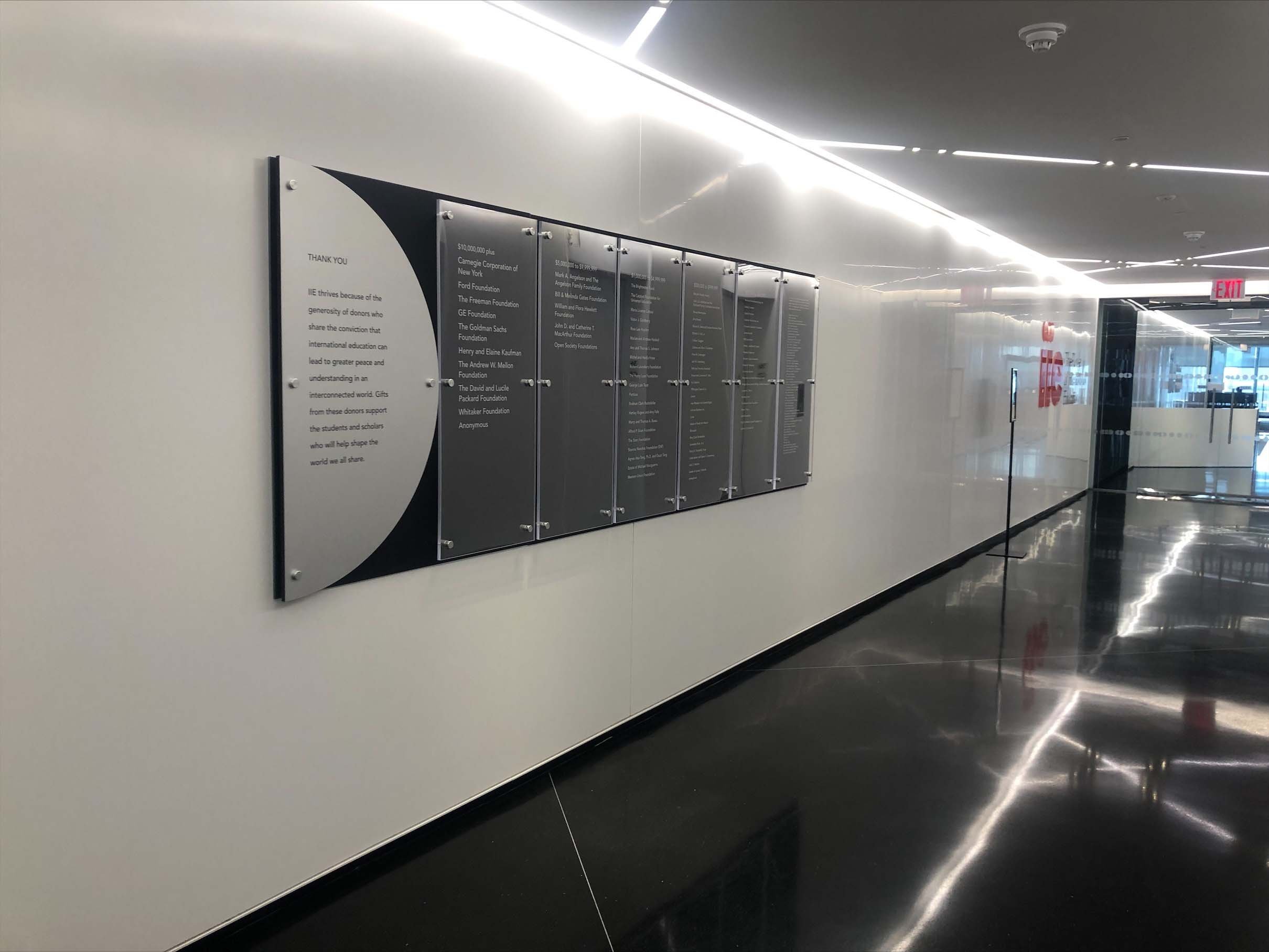
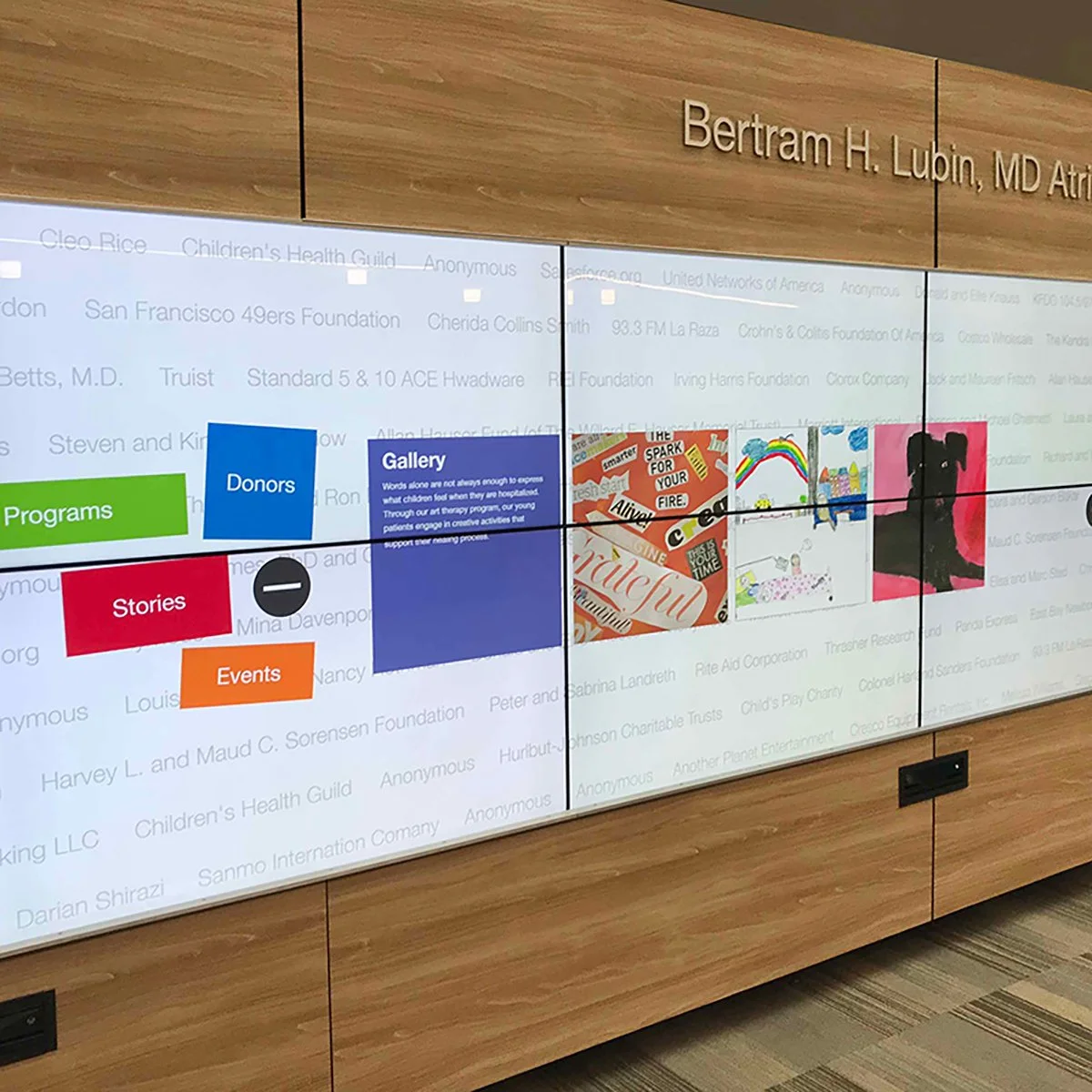
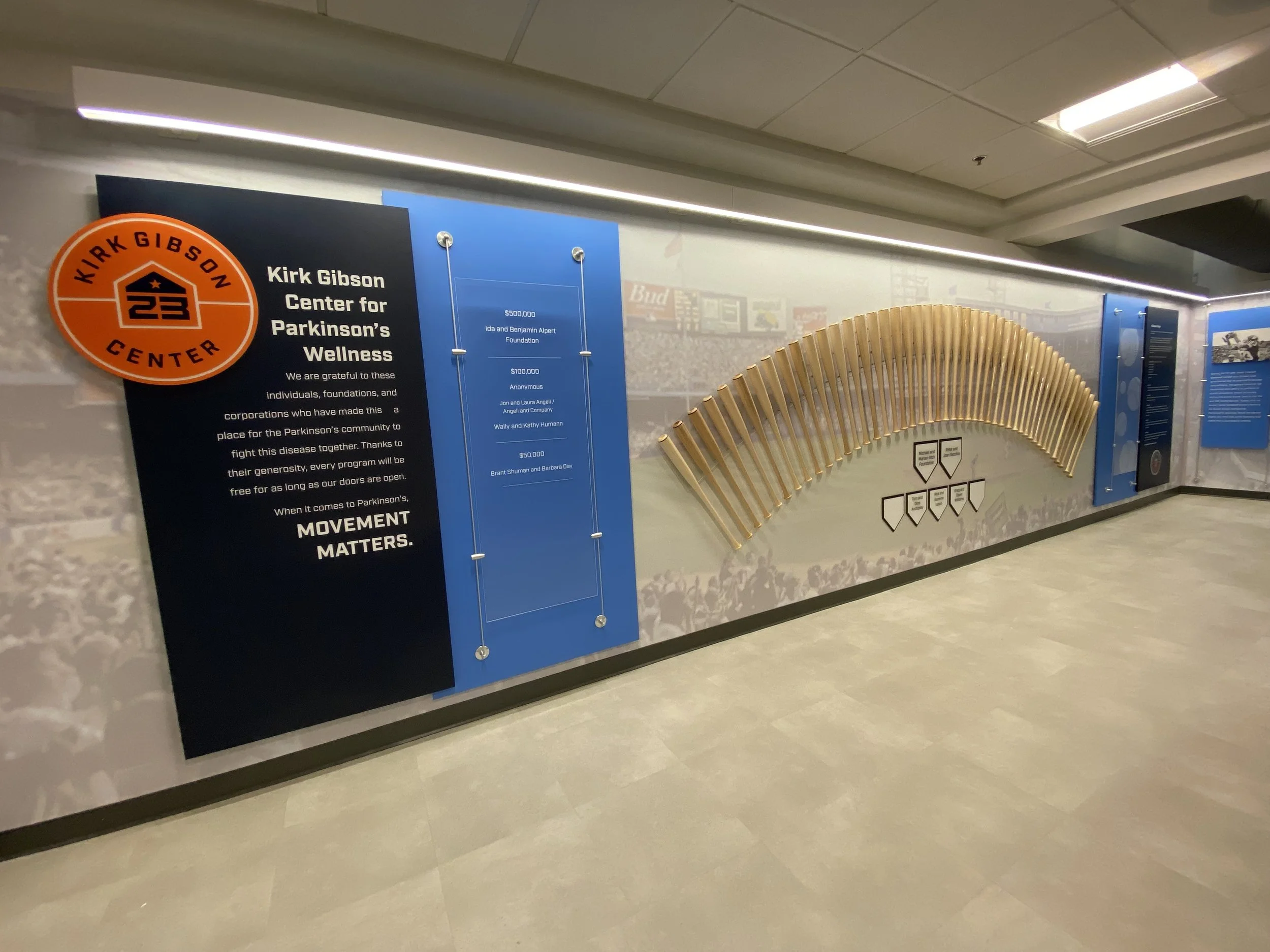
Our Process: Content Strategy First
We do not design the frame until we understand the message.
Content Audit:
We catalog every piece of information required from "Open" hours to "Warning" labels.
Hierarchy Planning:
We determine the reading distance and priority of each message.
System Design:
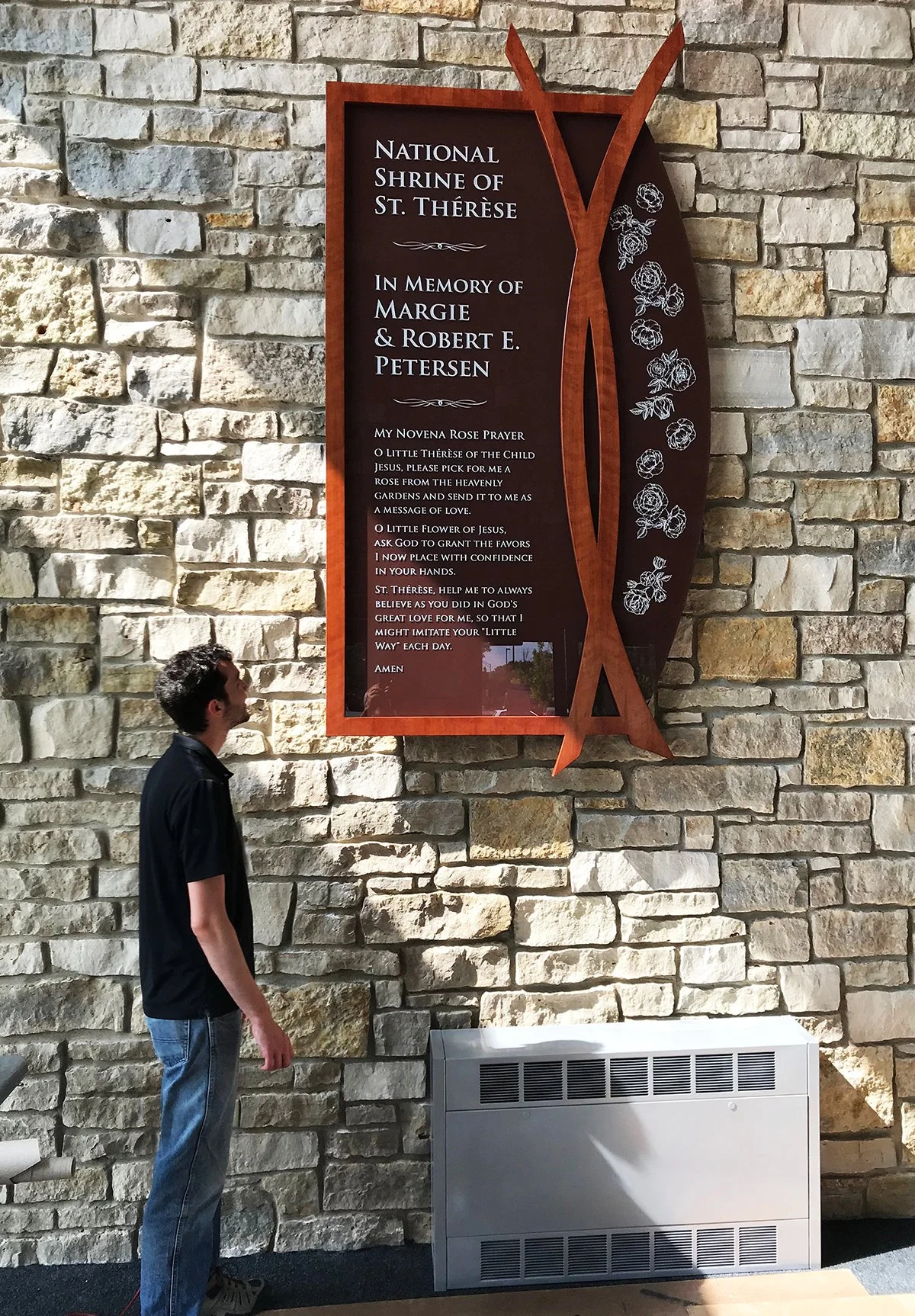
We select the right vehicle for the message vinyl graphics for glass, architectural plaques for walls, or digital screens for lobbies.
Implementation:
We ensure the final installation supports the building's operational flow.

Frequently asked questions
-
We use "Information Zoning." Instead of scattering signs on every wall, we consolidate notices into a centralized "Information Monolith" or digital kiosk. This cleans up the architecture while giving visitors a single source of truth.
-
Yes. This is a standard request for Informational Signage. We can design "Direct-Print" paper insert systems that match the high-end look of your permanent signs while allowing you to swap out content with a standard office printer.
-
A Directional sign captures you in motion (pointing the way). A Directory captures you at rest (showing a list or map). We place Directories out of the main travel path so users can stop and read without blocking traffic.
-
In many public, healthcare, and government sectors, yes. We factor "dual-language" capacity into our Message Schedules early on to ensure the text size remains legible without making the sign physically massive.
-
We often design permanent "holders" for temporary info. For example, a beautifully fabricated easel or snap-frame that holds a temporary "Event in Progress" poster, ensuring even temporary notices look professional and on-brand.
Need informational signage that clearly communicates without overwhelming users?
We design informational signs as part of integrated wayfinding systems—grounded in strategy, planning, and thoughtful execution.